


The video market is booming — global revenue is set to hit $268.8B by 2025, and that growth widens who can build and publish. This guide acts as a buyer’s map for anyone ready to turn an idea into something playable with a game creator no coding approach.
Expect clear comparisons and decision criteria that match genre, budget, and U.S. publishing goals. We explain what a no-code game workflow looks like today, from drag-and-drop logic to export targets like iOS, Android, Steam, web, and desktop.
By the end you’ll know which platform fits beginners and more advanced makers, what features to prioritize, and when a tool can deliver a polished, publish-ready result without coding. Pick smart tools and your first project can ship faster than you think.
Key Takeaways
- This is a buyer’s guide for turning ideas into playable projects using accessible tools.
- Market growth means more opportunity for new makers in the United States.
- Learn which platforms fit your genre, budget, and publishing goals.
- See practical outcomes: drag-and-drop workflows and export options.
- Assess learning curve, logic depth, templates, and community support.
- Choose tools that balance ease for beginners with features for polish.
Why no-code game development is exploding right now
A booming market is lowering the barrier to entry and inviting fresh voices into interactive entertainment. With the global video sector projected at $268.8B by 2025, opportunity matters in real dollars and attention.
From “learn to code” to “start making”, visual editors, templates, and plug-and-play assets let people test ideas the same day they dream them. That shift shortens feedback loops and makes iteration a habit instead of a hurdle.
The $268.8B momentum: how the 2025 market reshapes who can build
As gaming expands, new makers enter faster because development no longer begins with memorizing syntax. Distribution to web and mobile is simpler, which speeds validation and early audience growth.
What drag-and-drop changes for creators
Drag-and-drop speeds iteration, reduces blockers, and boosts early playtesting. Teams can focus on feel and retention rather than plumbing.
What you can realistically ship today
- 2D platformers and narrative experiences
- Hyper-casual hits and browser-based prototypes
- Simple 3D scenes and mobile-first releases
“Pick the tool that matches your genre, export targets, and learning style.”
The best path forward is practical: match scope to tools and start making this year.
What a no-code game maker is (and what it isn’t)

Modern tools let you craft interactivity with panels and logic blocks instead of a text editor. At its core, a no-code game maker lets you build mechanics through a visual editor and an event/logic system rather than typing code line-by-line.
No-code vs low-code vs optional scripting
True no-code offers complete visual workflows. Low-code platforms mix drag-and-drop with small script hooks for power users. Optional scripting tools start visual but let you add custom code later to scale or extend features.
Core building blocks to expect
- Visual editor and live preview for rapid testing.
- An event/logic system that handles triggers, collisions, timers, and states.
- Asset pipelines and reusable prefabs plus templates to speed prototyping.
- Export workflows for mobile, web, and desktop platforms.
Why accessibility, speed, cost, and flexibility matter
No code tools reduce barriers so more people can try game development. You prototype faster, cut early costs, and iterate without a steep learning curve.
Remember: you still learn design, balancing, and debugging. Strong documentation and active support often matter more than one extra feature when your first playable build must ship.
Find starter platforms and comparisons to match your platform and goals.
game creator no coding: the buyer’s checklist for choosing the right tool
Choose the right tool by matching your concept to what each engine actually speeds up. That focus saves time and money when you move from idea to playable.
Match your engine to the genre
Start with the genre: platformers, RPGs, casual titles, or 3D worlds demand different features. A platformer-focused engine speeds up physics and level flow. An RPG-friendly tool gives dialogue, quests, and inventory systems out of the box.
Ease of use for beginners
Learning matters. Look for clear onboarding, quality tutorials, and sample projects that teach common tasks. If the editor hides basics, expect a longer ramp for beginners.
Logic and visual scripting depth
Check event sheets, behavior libraries, and state machines. Strong debugging and readable visual scripting keep projects maintainable as scope grows.
Export targets that matter in the US
Prioritize export to iOS and Android for mobile, Steam for PC, web builds for instant sharing, and desktop for broad reach. Confirm one-click export or clear build guides.
Community, support, and asset store
- Community & support: active forums, up-to-date docs, and creator networks reduce risk.
- Asset store & templates: speed prototyping and polish with ready assets and starter templates.
Collaboration and cloud workflows
For team projects choose cloud features: version history, role management, and cross-device editing. These scale projects from hobby to launch-ready.
“Pick the engine that matches your genre and final platforms—then use templates to ship faster.”
Best no-code tools for beginners building 2D games without coding
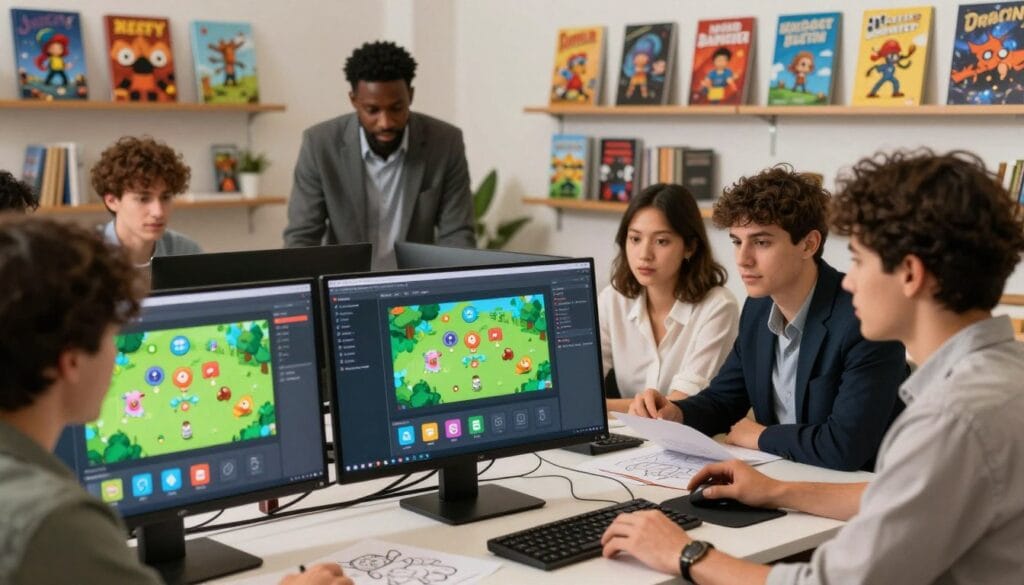
Shipping a focused 2D project without months of study is possible with the right visual tools. Choose a platform that matches your learning style and final platforms to reach playtest fast.
GDevelop: open-source and event-based
GDevelop is free and open-source with event-based logic that beginners find intuitive. It offers AI-assisted creation to speed prototypes and exports to HTML5, Windows, Mac, Android, and iOS.
Buying note: zero cost entry, strong community, and growing tutorials make it ideal for rapid iteration and proof-of-concept builds.
Stencyl: block-based for web and mobile
Stencyl uses visual blocks inspired by learning platforms. It targets web and mobile games and lets you add JavaScript when you need more power.
Buying note: good for those who prefer block logic and straightforward exports to web platforms.
GameMaker Studio 2: drag-and-drop to GML
Start with drag-and-drop to build confidence, then move to GML for performance or complex features.
Buying note: try the free trial, then consider the one-time license if you plan a polished release. Use templates and small scope—one mechanic, one level, one platform—to ship faster.
“Pick a single platform and a single mechanic; iterate using templates to find what’s fun.”
Best picks for mobile games, browser games, and fast prototypes
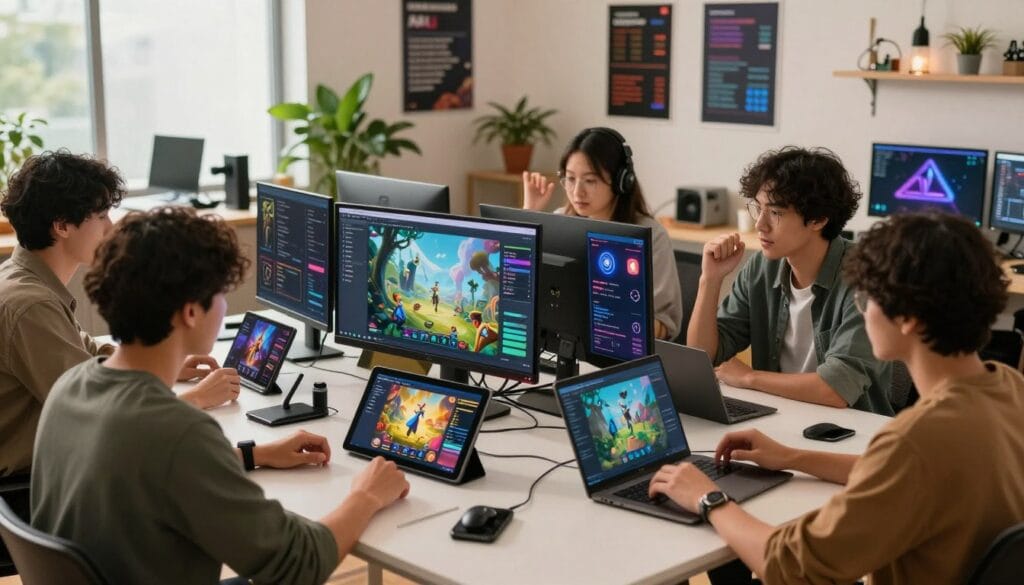
When your aim is rapid prototypes and quick installs, choose platforms built for iteration. This approach speeds validation and helps you learn what players enjoy before a full launch.
Construct 3: browser-first visual scripting
Construct 3 runs in a browser and offers drag-and-drop visual scripting that scales across many 2D patterns. Its template ecosystem is huge—100,000+ starter kits—so you can jump-start creation.
Commercial edge: one-click export to iOS, Android, Windows, and web makes cross-platform testing straightforward for U.S. audiences. Pricing begins at $4.99/month with a limited free version.
Buildbox: hyper-casual focus and fast loops
Buildbox targets hyper-casual and casual projects with templates and a large asset library. It’s built for rapid tweak-and-relaunch cycles where small changes drive big results.
There is a free limited plan and paid tiers from $9.99/month (Pro at $99/month). Monthly plans can be the fastest way to ship, but compare free premium limits against your export and monetization needs.
“Pick a template, swap core assets, tune pace, export to web for feedback, then push to mobile when the loop proves itself.”
When you want 3D, multiplayer, and pro-level performance without diving into code

Ambitious builders can reach 3D, VR/AR, and multiplayer horizons while staying inside visual workflows. Pick engines that give predictable performance, fast iteration, and strong debugging.
Unity Visual Scripting: a path to 3D, VR/AR, and the asset store ecosystem
Unity Visual Scripting lets you assemble gameplay with node graphs while tapping Unity’s vast asset store and platform exports.
Unity is free for personal use, with Unity Pro available for teams that need enterprise support and advanced services.
GDevelop for 3D and multiplayer: WebGL/WebGPU-ready and real-time tools
GDevelop now targets real 3D, WebGL today and WebGPU soon, plus built-in multiplayer, hot-reload, profiler, and save states.
Its networking hooks include client-side prediction, API calls, and cloud or local collaboration to protect team history.
Feature signals to look for
- Physics engine: deterministic and stable for online play.
- Live preview & hot-reloading: iterate without full restarts.
- Profiler & debugger: find bottlenecks before launch.
Multiplayer essentials and team workflows
Prioritize client-side prediction, low-latency networking, and robust save-state systems. These keep sessions responsive and players synced.
“Start small: one mode, one map, one networking loop — then scale with tools that support cloud collaboration and version history.”
For deeper comparisons and engine options, read a focused overview at no-code game engines.
Best no-code engines for RPGs and narrative-driven games

If your project hinges on characters and choices, pick an engine that boosts writing speed and path verification.
Story velocity is the metric: when quests, dialogue, and branching decide success, reduce friction for authors and testers.
RPG Maker: built-in battles, dialogue tools, and story-first workflows
RPG Maker is designed for classic RPG loops with turn-based battles, map editors, and a dialogue system ready out of the box.
Pricing starts at $79.99 as a one-time purchase, making it a clear way to ship your first game quickly.
Upheaval: branching interactive fiction with dynamic state systems
Upheaval is free and open-source. It uses Markdown-style writing, dynamic state systems, and built-in testing to verify every narrative path.
This engine is ideal for deep branching projects where continuity and debug tools matter more than visuals.
Rosebud: AI-assisted generation for rapid concept-to-playable iteration
Rosebud offers AI-assisted creation in early access to spin concepts into playable prototypes fast.
Expect free and premium tiers as it matures; use it to explore multiple directions before committing to art and polish.
“Choose the tool that matches your structure: classic RPG systems, branching fiction logic, or rapid AI-led ideation.”
How to choose: pick RPG Maker for traditional structure, Upheaval for complex branching, and Rosebud for speed-of-ideation.
Practical tip: outline narrative states, set win/lose conditions early, and use templates and assets only when they support tone.
Conclusion
The clearest path to launch is simple: pick the platform that fits your genre and export targets, then build one playable loop. That focus turns ideas into tangible projects fast.
Tradeoffs matter: broad features help scale, but shipping depends on learning resources—tutorials, active community, and reliable support. Those assets keep your project moving.
For quick web and mobile prototyping try Construct 3 or Buildbox. Use GDevelop for wide exports and multiplayer tests. Choose Unity Visual Scripting for pro ecosystems, and RPG Maker, Upheaval, or Rosebud for narrative-first work.
Take action today: clone a template, iterate the core loop, and export a playable build for feedback. Use cloud collaboration and acceleration tools like Genies’ Experiences SDK, Avatar Framework, and Game Art Forge to speed asset and team workflows. Small projects that ship build the skills to scale.
FAQ
What is a no-code tool for making interactive experiences?
How does visual scripting differ from low-code or traditional programming?
What types of projects can I realistically finish using these platforms?
Which export targets should I prioritize for a U.S. launch?
How do templates and an asset store help speed development?
What should I check about logic systems and debugging before choosing a tool?
Can I collaborate with teammates in these platforms?
Are there good options for beginners who want to build 2D projects?
Which platforms are best for rapid mobile and browser prototypes?
Can no-code tools handle 3D and multiplayer features?
How important is a strong community and documentation?
Will I outgrow a no-code platform as my skills improve?
How do I choose the right tool for an RPG or narrative-driven project?
What technical features signal a pro-level no-code platform?
Are there free or open-source options worth trying first?